One of the most common questions that I’m asked is
‘how do I photograph waterfalls?’
Waterfalls do present themselves as a wonderful and challenging subject
matter to photographers. Firstly they’re beautiful places, secondly they
are often in tricky lighting situation and thirdly they’re a dynamic
subject as they’re moving (and of course movement means a challenge but
also a real opportunity for a more dynamic shot).
A lot has been written about the finer points of photographing waterfalls but the basics are fairly simple.
Working with Movement
Anytime you’re presented with a moving subject a photographer really
has two options. Firstly they can freeze the motion by using a fast
shutter speed and secondly they can capture and enhance the motion by
using a longer shutter speed that blurs the moving element in the shot
(in this case – water).
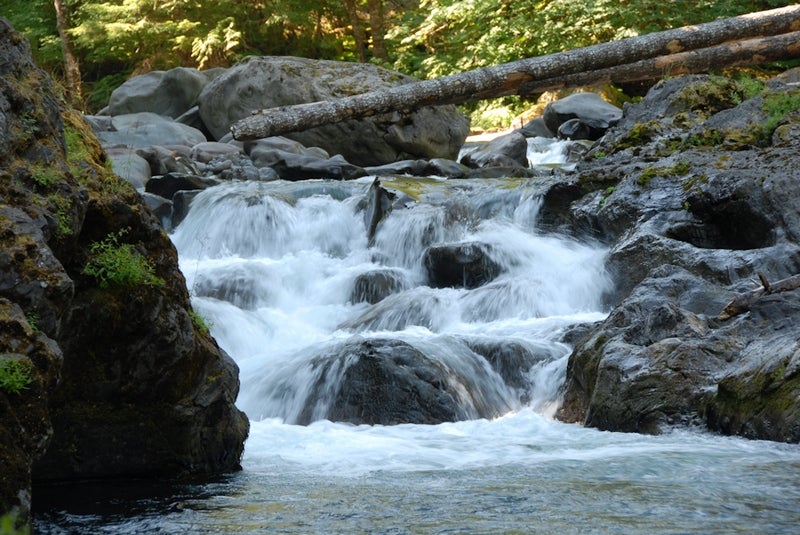
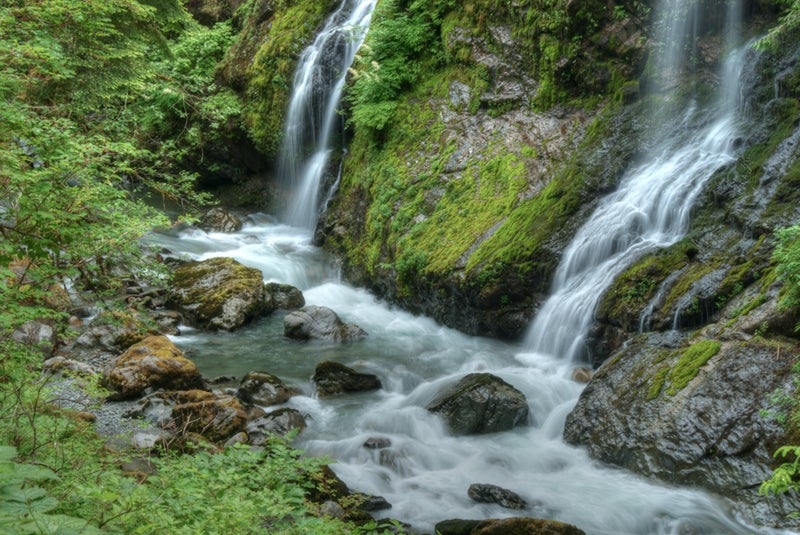
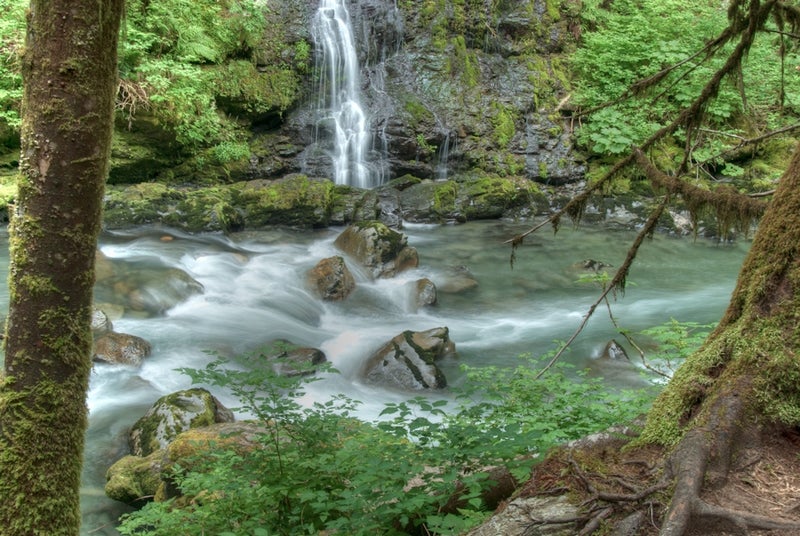
Most photographers take the second option and allow the water to blur.
Here’s how to do it. You’ll need your digital camera and a tripod. It
will also be helpful to have a polarizing filter if you have one.
How to Photograph Waterfalls
Take a Control Shot - Before you start experimenting –
switch your camera to auto mode, make sure your flash is turned off and
take a shot of the waterfall. As you do – take notice of the exposure
that the camera sets. Your camera will almost certainly choose an
exposure that freezes the water somewhat. This photo will be a bit of a
reference point to compare your shots to later and to use as a basis for
your exposures.
Shutter Priority Mode – Switch to
shutter priority mode
on your camera (we’ve talked about shutter and aperture priority modes
previously). Generally you’ll want to try to get a shutter speed of 1 to
2 seconds to get a nicely blurred water.
Tripod – Of course to take a shot at a shutter speed of
this length you’ll definitely need a tripod or some other way to ensure
that your camera is completely still for the full time that the shutter
is open.
Sounds easy doesn’t it – attach your camera to a tripod, switch to
shutter priority mode, set your shutter speed to 1-2 seconds and take
the shot. Unfortunately in most cases it’s not that simple.
The problem with increasing the shutter speed is that it increases the
amount of light that gets into your camera and unless it’s quite a dark
and gloomy day you’ll find your image is going to be over exposed (even
though in shutter priority mode the camera will choose a very small
aperture to try to compensate for it).
Other Tips to Try to Get Exposure Right
There are a couple of things that you can do to decrease the amount of
light coming into your camera and get your exposure levels better:
Timing – pick the right time of the day to do your
waterfall photography and you can definitely give yourself more options
to use longer shutter speeds. Around sunrise and sunset are obvious
times as light is less bright. Also overcast days are better than bright
ones.
Filters – using a filter that cuts down the amount of
light entering your camera can help also. There are a variety of filters
available that do this but I generally use a polarizing filter as it
not only cuts down the light getting in but also can help you improve
your shots (they cut down on reflections in shots – and waterfalls can
have quite a few of these). Another type of filter you might like to use
is a neutral density filter which is a filter that cuts down the light
entering your camera – almost like putting sunglasses on.
Aperture Priority Mode - if you are still having
trouble with exposure even at darker times of the day and with the use
of a polarizing filter another approach that you can take is switch
into Aperture Priority Mode and choose the smallest aperture possible.
On most cameras this will be f/22 or f/36. The result of choosing this
is that your camera will automatically choose the longest shutter speed
available for that aperture. It may not be 2 seconds – but it will
almost always be longer than the shutter speed in that first control
shot that you took and as a result the water will blur more than in the
first shot. The other impact of having a smaller aperture is that you’ll
have a larger depth of field and more of the waterfall will be in
focus.
Low ISO – Choosing a lower ISO will mean that your
camera’s sensor is less sensitive to light and will need the shutter to
be open longer. It will also mean less ‘noisy’ or grainy shots which
will give your shots lots of nice detail.
More Waterfall Photography Tips
Of course getting the exposure right is just part of the equation when
it comes to photographing waterfalls with you digital camera. here are a
few extra tips.
Bracket your Shots
The first time I ever did some waterfall photography was over a decade
ago when I was using a film SLR. I spent a week away by myself purely
for photography in an area where there are many waterfalls.
What I learned in that week was the importance of bracketing my shots –
taking a series of shots at different shutter speeds and apertures. I
found that in doing this that I could capture a variety of very
different images of exactly the same scene with changes in the extent
that the water blurred, changes in the depth of field and changes in the
way the camera captured color.
Also use your cameras built in exposure bracketing (check your manual) and bracket your shots in this way also.
Composition
Also on my week of photographing waterfalls I learned that a waterfall
could be photographed from many angles and in many different ways
ranging from the wide angle shot that puts the waterfall into it’s wider
context right down to tightly cropped shots that focus upon just one
small part of the waterfall. Also look for the different ways the water
flows. In some places it’ll be multiple streams, in others it will gush
explosively everywhere and in others it will flow gently in a single
stream. Try a variety of positions on the waterfall (you’ll find that
it’ll flow at different speeds in different sections also) and
experiment with how the different parts look at slow shutter speeds.
Tidy Up
While I’m a big believer in being an environmentally friendly
photographer (and always leaving a location the way you found it) a
little tidying up of your scene can have a big impact upon a waterfall
scene). Before taking shots scan your eye over your frame and look to
see if there are any distracting elements that might be able to be
moved. Particularly look for litter but also consider leaves on rocks
etc. Simply tidying up the image in a way that doesn’t do any physical
damage to the location can take your images to the next level.
Don’t Become Obsessed with Blurred Water
The effect of silky smooth moving water in your shots is difficult to
resist but don’t let it become the only type of waterfall image that you
capture. Try taking some shots with ultra fast shutter speeds also.
This can especially be a powerful technique on raging waterfalls where
there is lots of spray and explosive splashes. The other impact of
faster shutter speeds is that you’ll need to use larger apertures which
means narrow depth of field which will bring a whole new impact to your
shots.
Get out and Experiment
That’s enough theory – now it’s time to get out and do it because the more you do the better you’ll get. Have fun!
-
Digital Photography School